
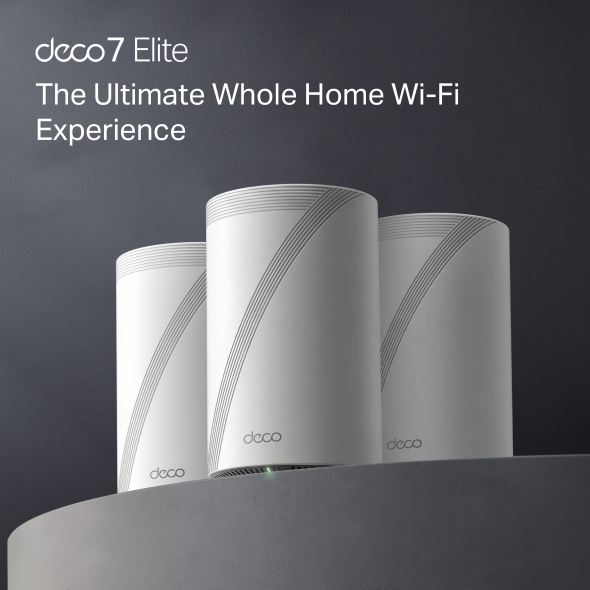
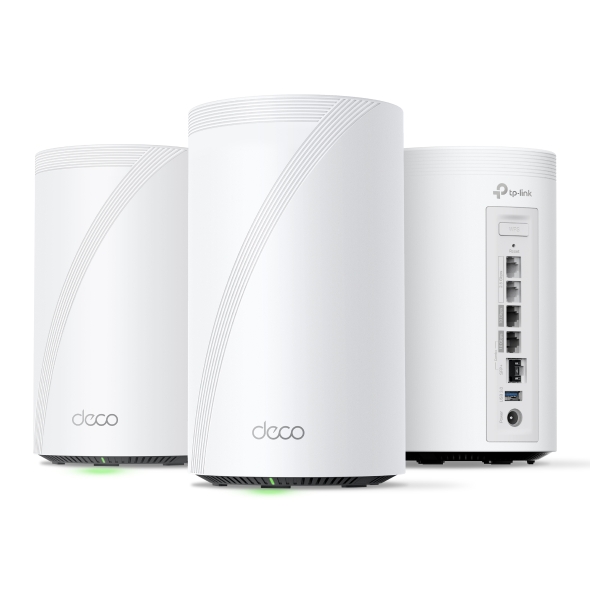
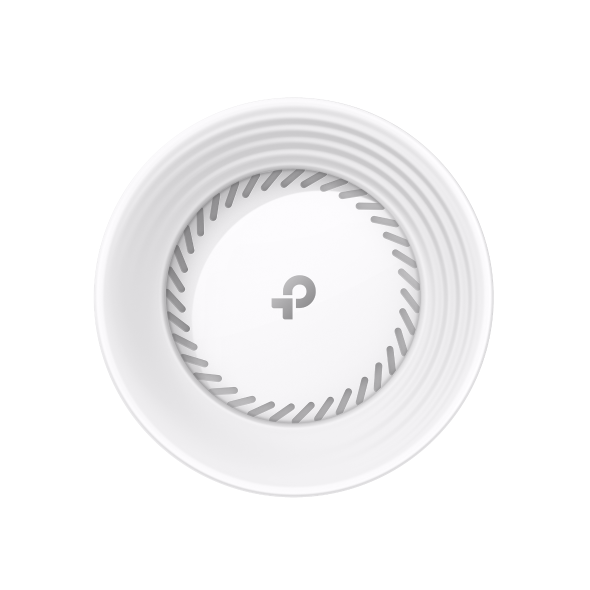


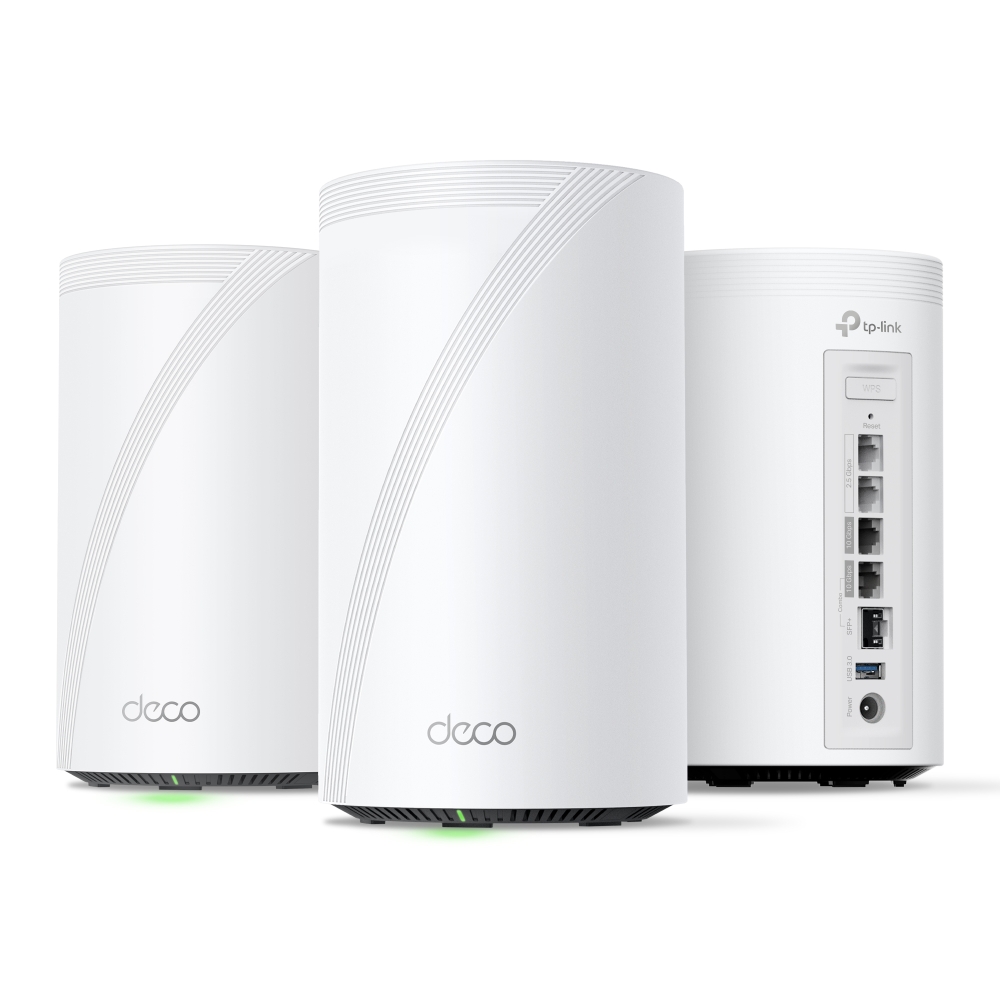


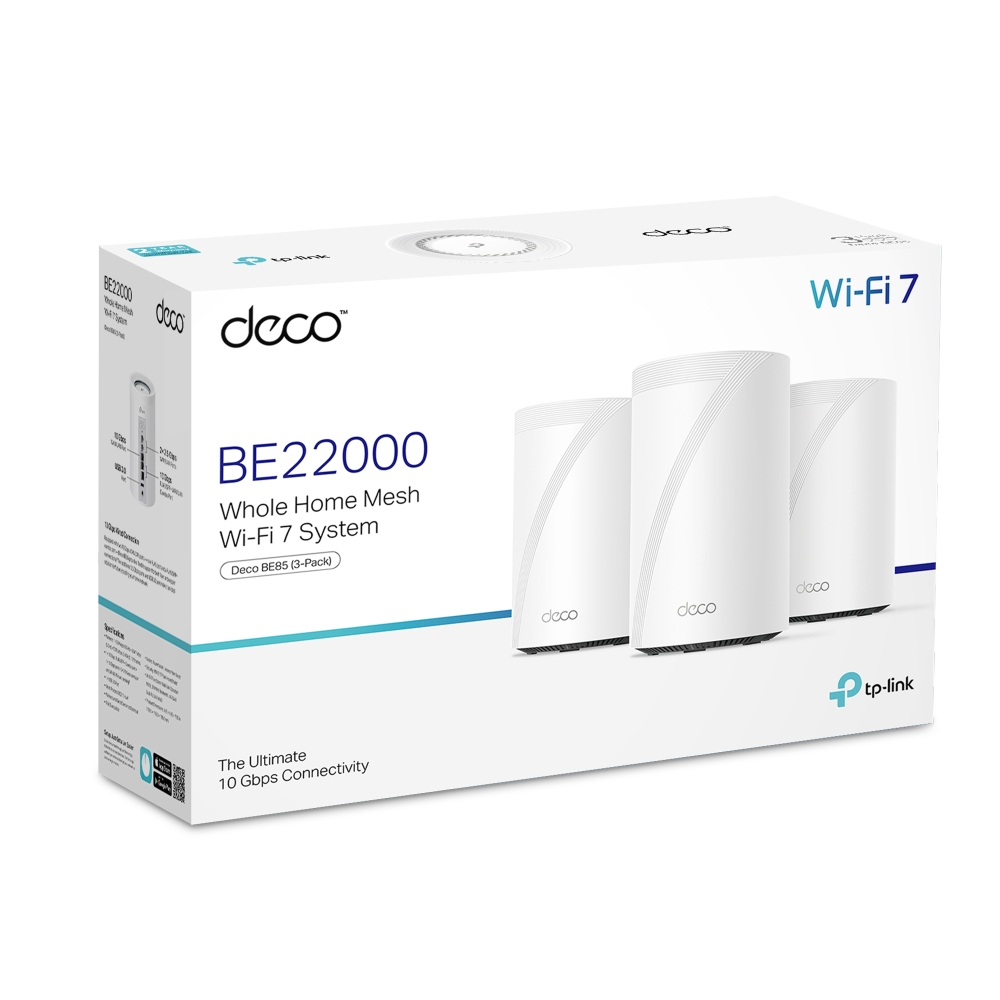
Deco 7 Elite BE22000 Tri-Band Whole Home Mesh WiFi 7 System
- Tri-Band Wi-Fi 7 Power — Experience next-generation performance with Tri-Band Wi-Fi 7, built for ultra-fast streaming, gaming, and multi-device speed.
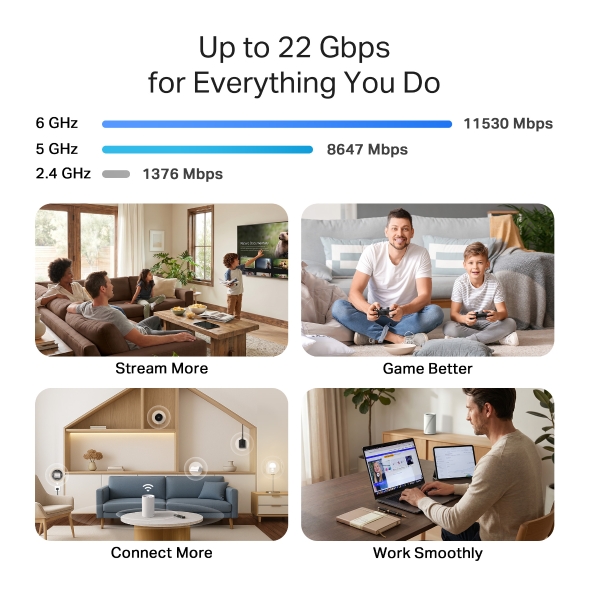
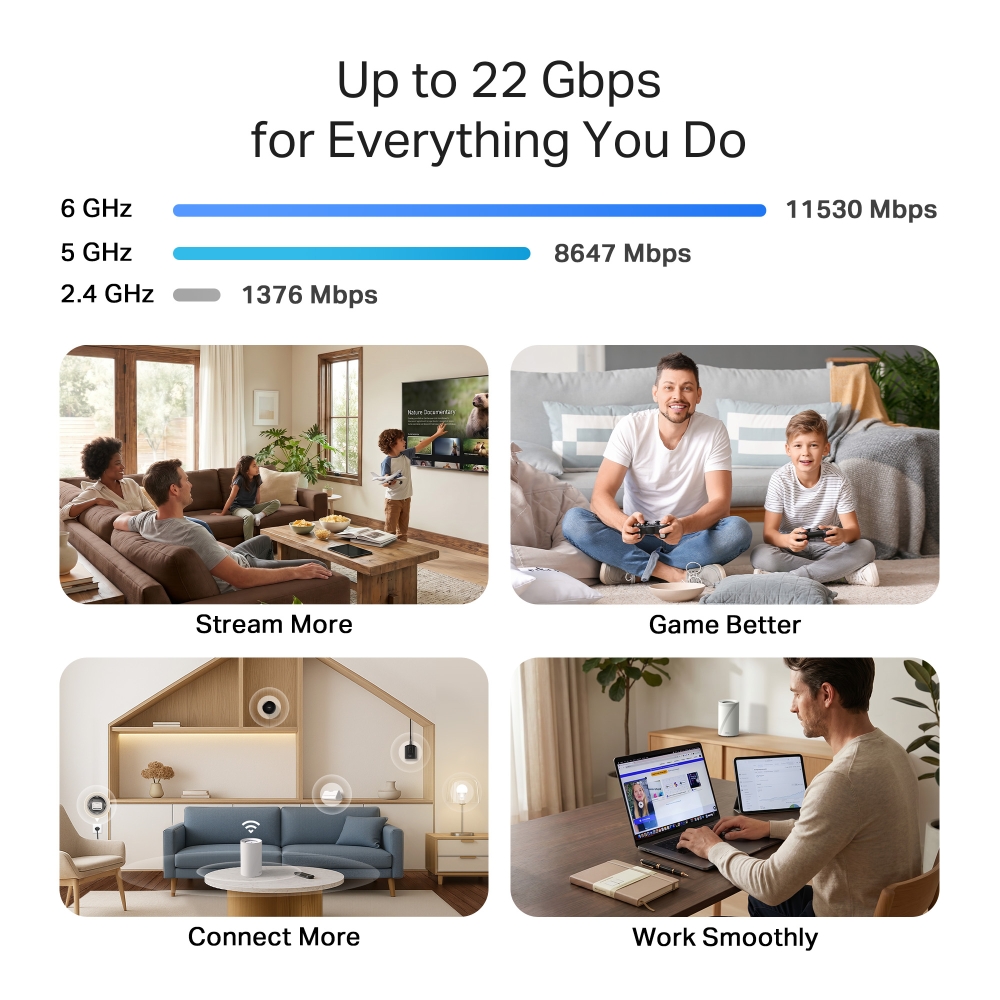
- 22 Gbps Wi-Fi Speeds — Enjoy extreme wireless throughput designed for multi-gig internet plans, 4K streaming, and demanding smart-home setups.†
- 6 GHz Congestion-Free Band — Stay connected on a clean, interference-free channel that delivers consistent stability across every device.
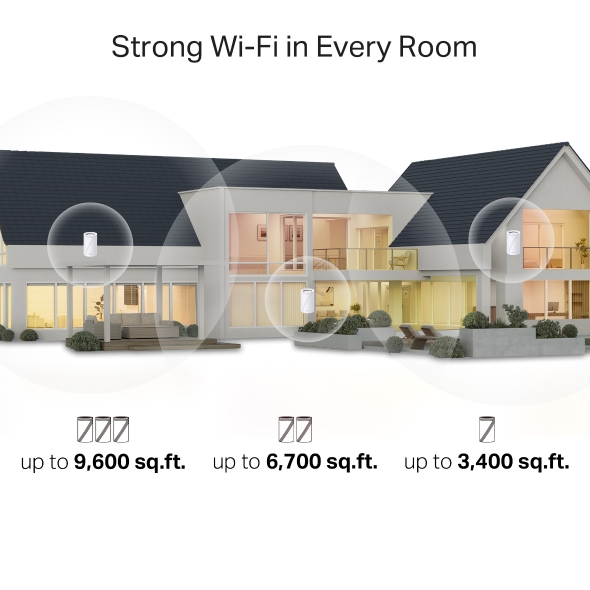
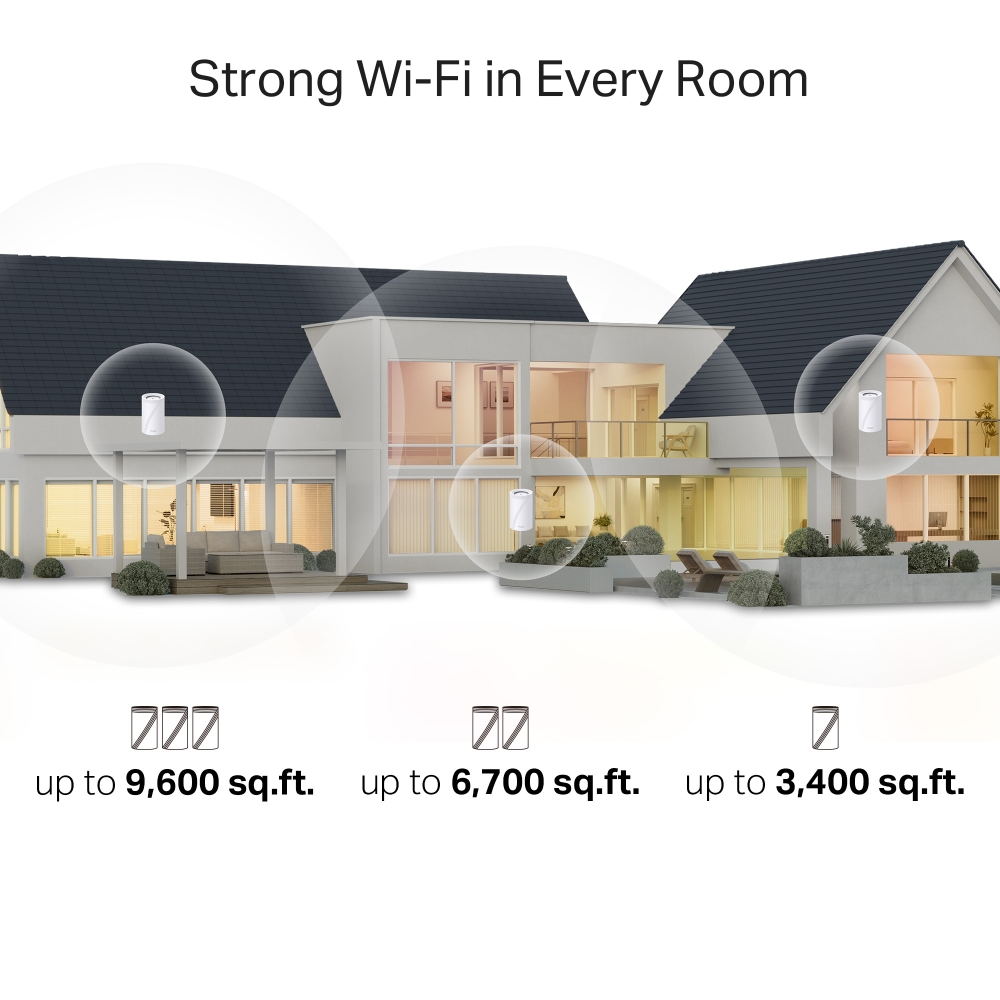
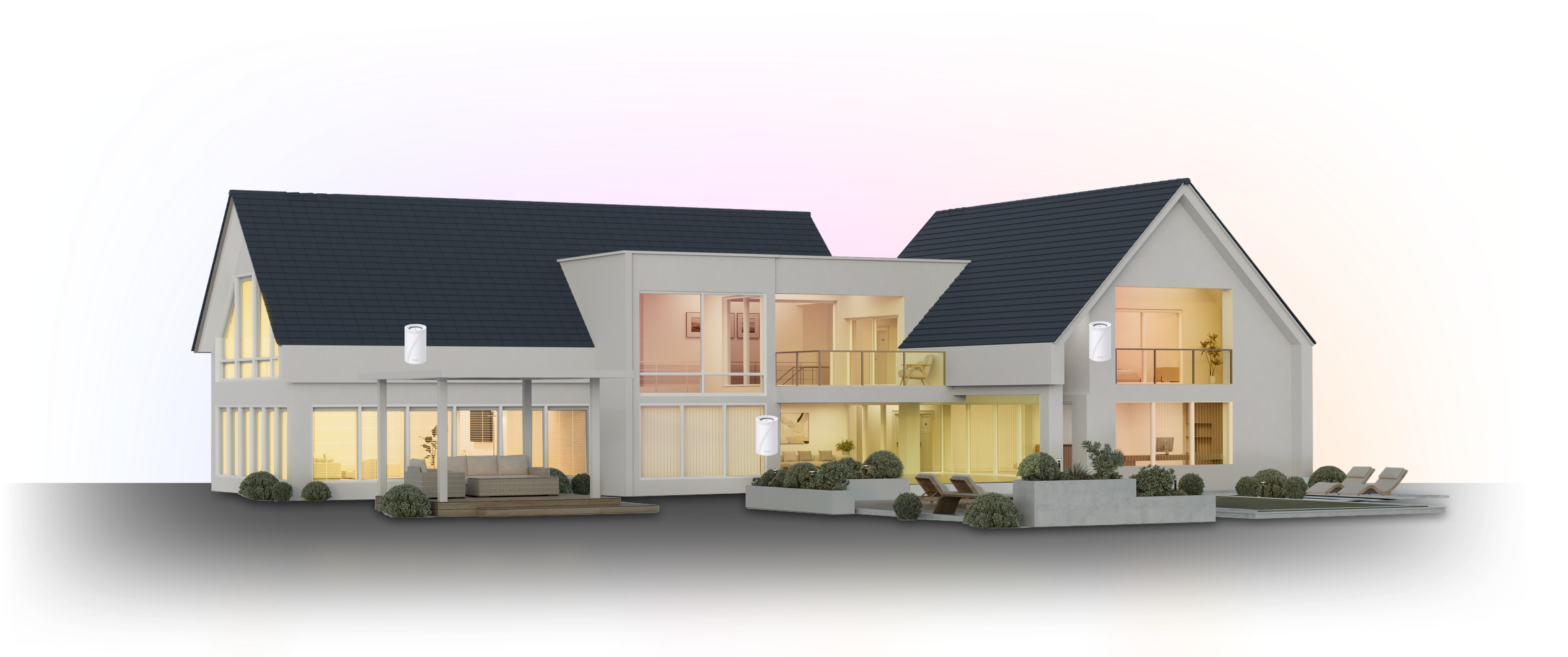
- Whole-Home Coverage Up to 9,600 Sq. Ft. — Blanket your entire home with pro-grade mesh Wi-Fi, no weak spots, no slowdowns, no interruptions.†
- Connect 200+ Devices at Once — Connect every phone, console, and smart-home device simultaneously with reliable performance.†
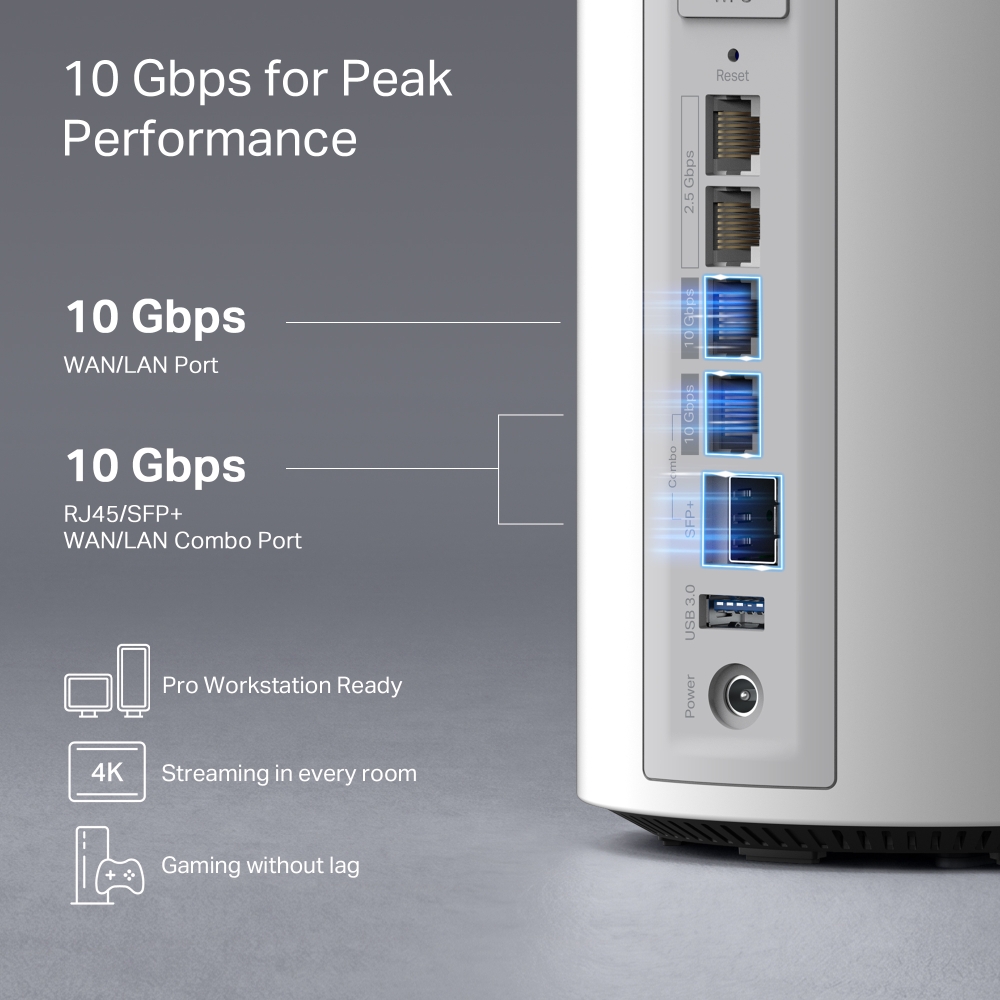
- 10 Gbps WAN/LAN Port — Supports high-speed fiber or cable plans for ultra-low latency and maximum wired performance.§
- Ultra-Wide 320 MHz Channels — Double the bandwidth for faster data flow and lower latency — perfect for next-gen responsiveness.△
- Smart AI Network Optimization — Automatically adjusts channels and traffic to deliver the fastest, most stable connection in real time.
- Advanced TP-Link HomeShield Security — Pro-grade protection with parental controls, threat monitoring, and privacy safeguards built in.*
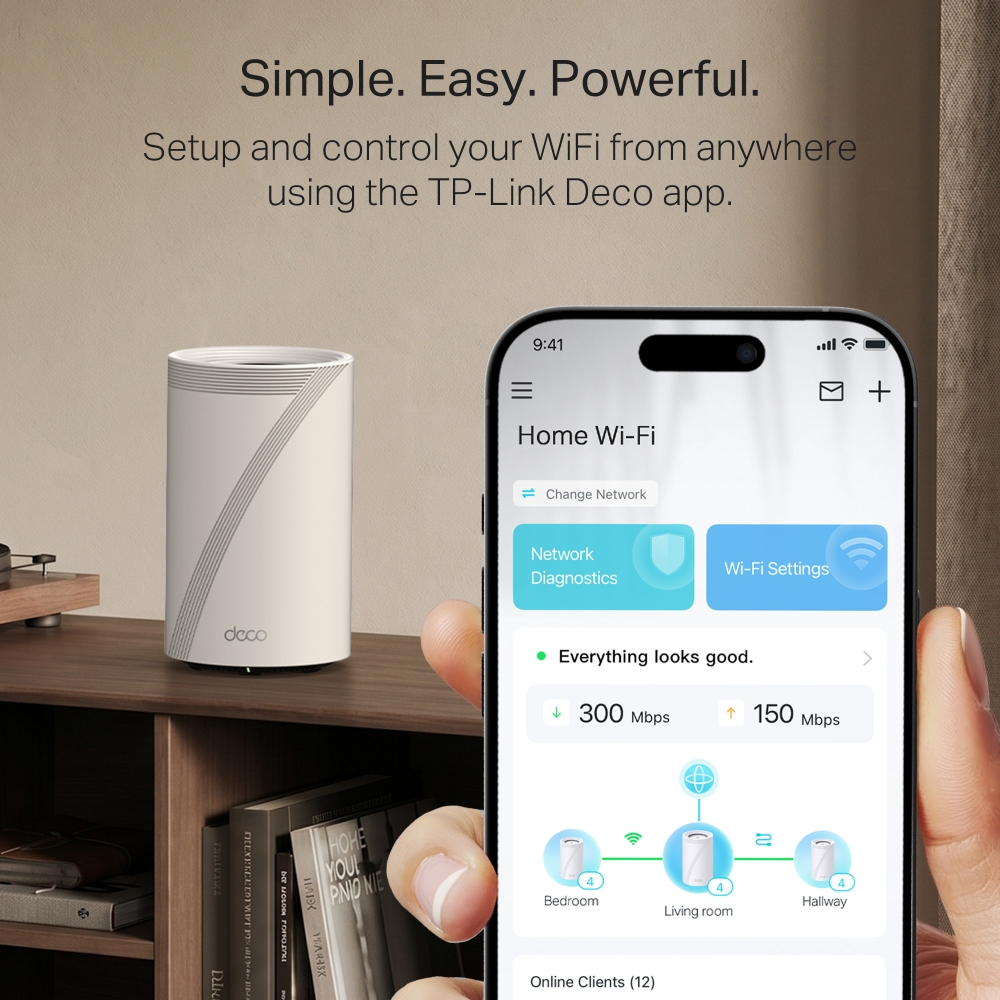
- Simple Setup with Deco App — Get online in minutes with guided setup and easy network management in the Deco app.
- Voice Assistant Compatible — Works with Google Assistant and Amazon Alexa for hands-free network management.
- Trusted Quality from TP-Link, the Wi-Fi Leader — Engineered by TP-Link for pro-level reliability, precision, and lasting performance.
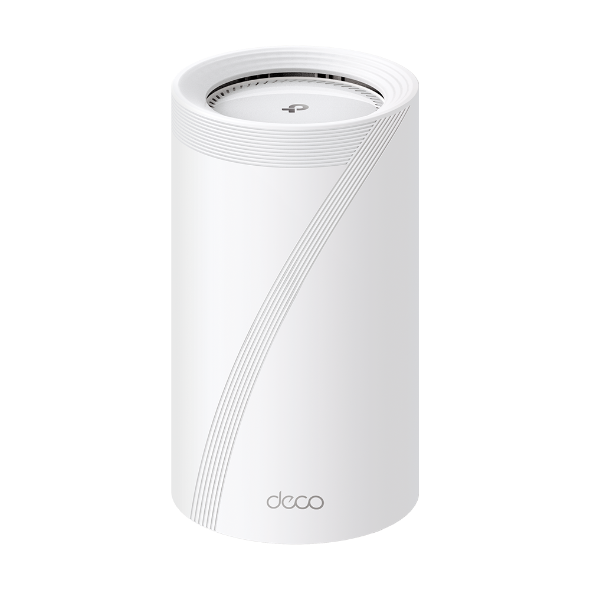


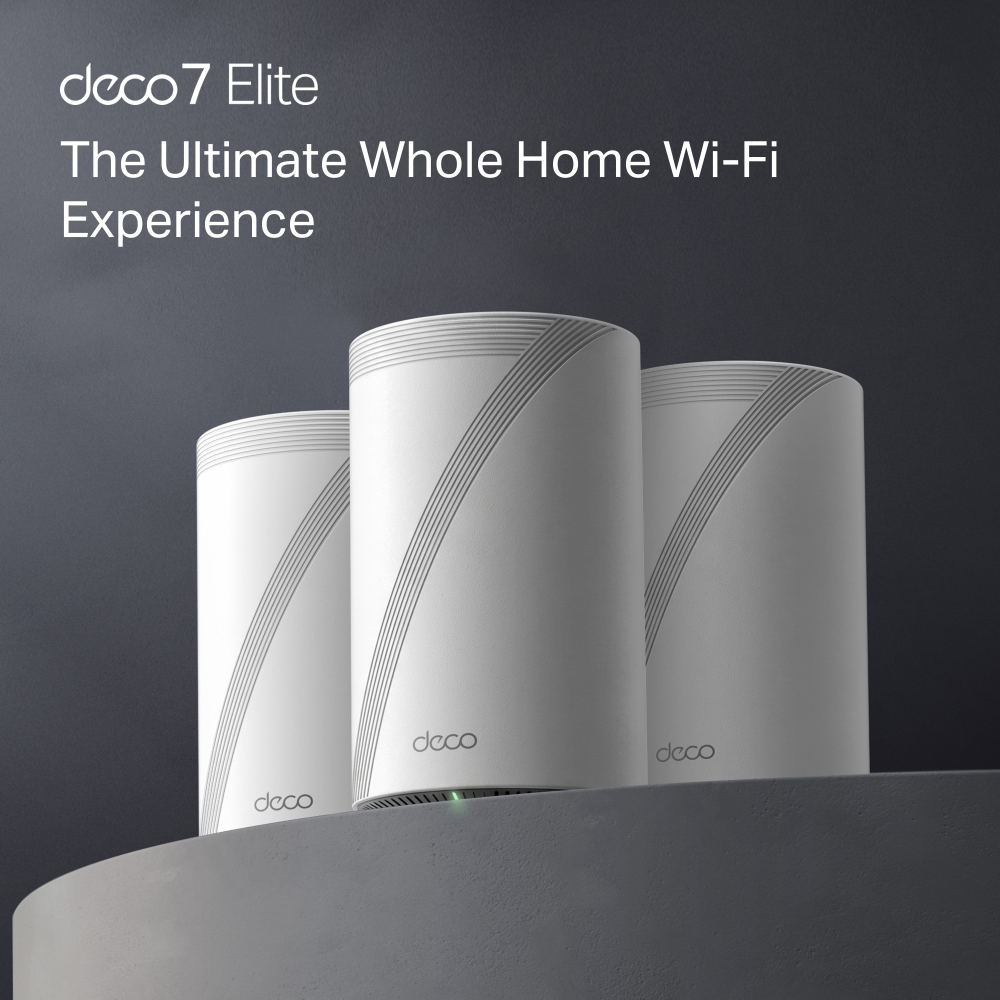
The Ultimate Whole Home Wi-Fi Experience
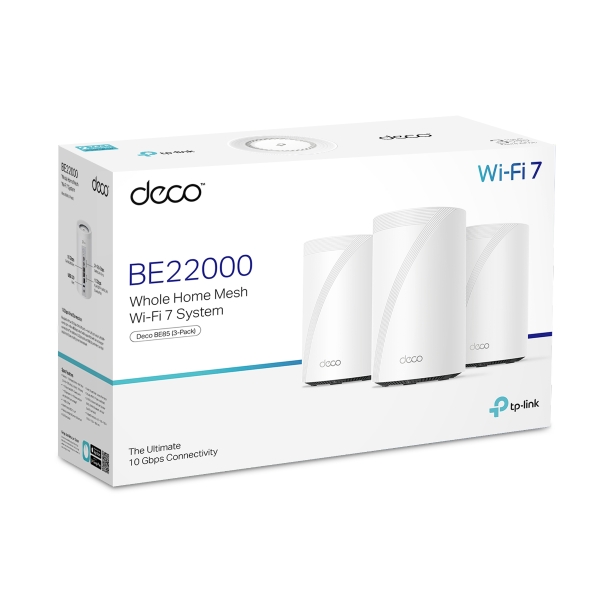
BE22000 Whole Home Mesh Wi-Fi 7 System
Deco BE85






The Ultimate Whole Home Wi-Fi Experience
BE22000 Whole Home Mesh Wi-Fi 7 System
Deco BE85

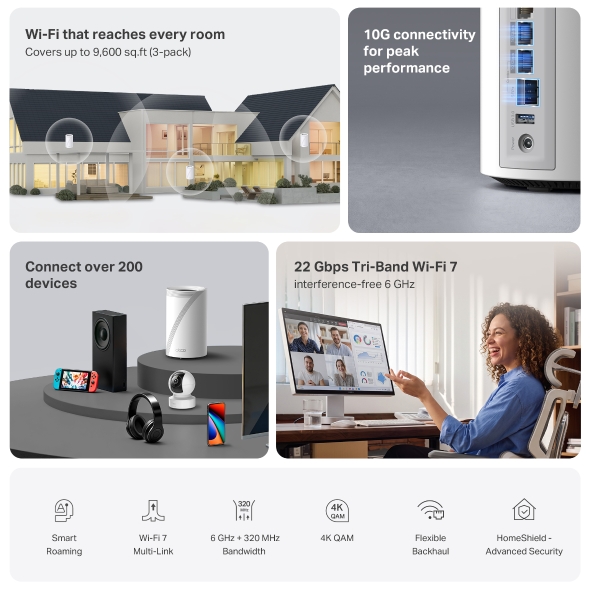
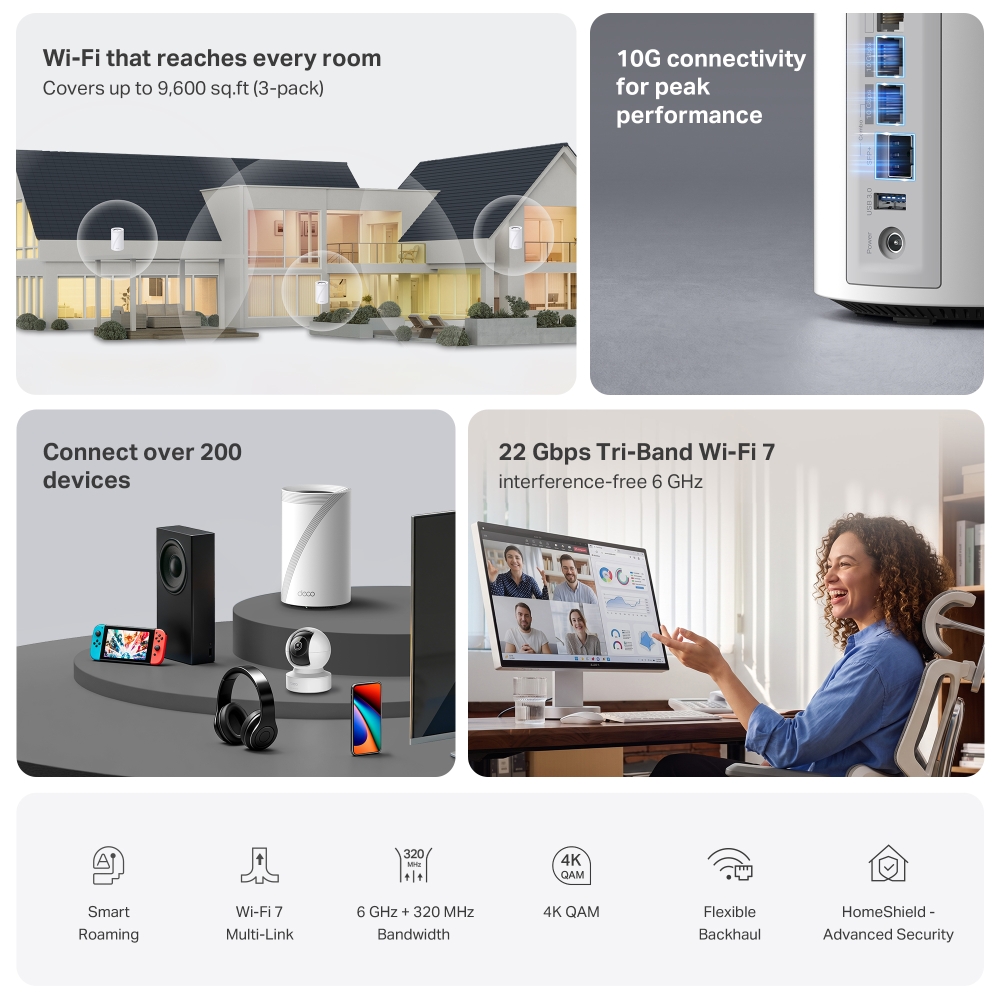
Wi-Fi that reaches every room
Covers up to 9,600 sq. ft (3-pack)
10G connectivity
for peak
performance
Connect over
200 devices
22 Gbps Tri-Band Wi-Fi 7
interference-free 6 GHz

Smart
Roaming

Wi-Fi 7
Multi-Link

6 GHz + 320
MHz
Bandwidth

4K QAM

Flexible
Backhaul

HomeShield -
Advanced Security

4× Lower Latency
For Smooth Video and Gaming※※
Wi-Fi Like
Never Before
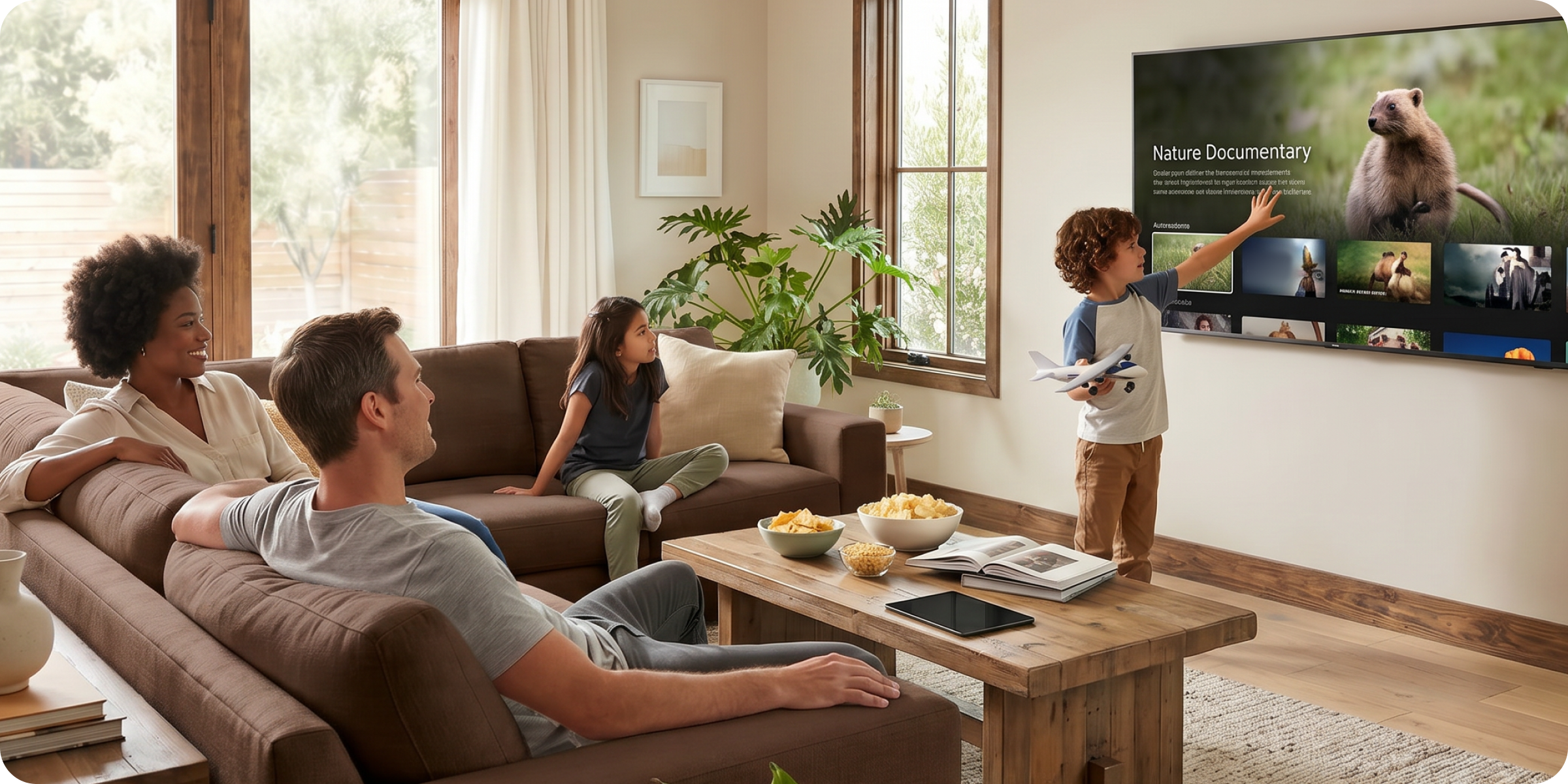
Wi-Fi 7 delivers faster speeds and smoother connections for today’s connected homes.
Deco 7 Elite makes next-generation Wi-Fi simple, reliable, and ready for everything you do online.
More room for everything
happening at home
A dedicated 6 GHz band gives high-performance devices their own space, so streaming, gaming, video calls, and smart home devices don't have to compete for bandwidth. The result is fast, responsive Wi-Fi that keeps up with everything happening at home.

Power that keeps every experience smooth
No more buffering, dropped calls, or slowdowns when everyone’s online. Deco 7 Elite is built for busy homes, delivering smooth streaming and dependable connections in every room.
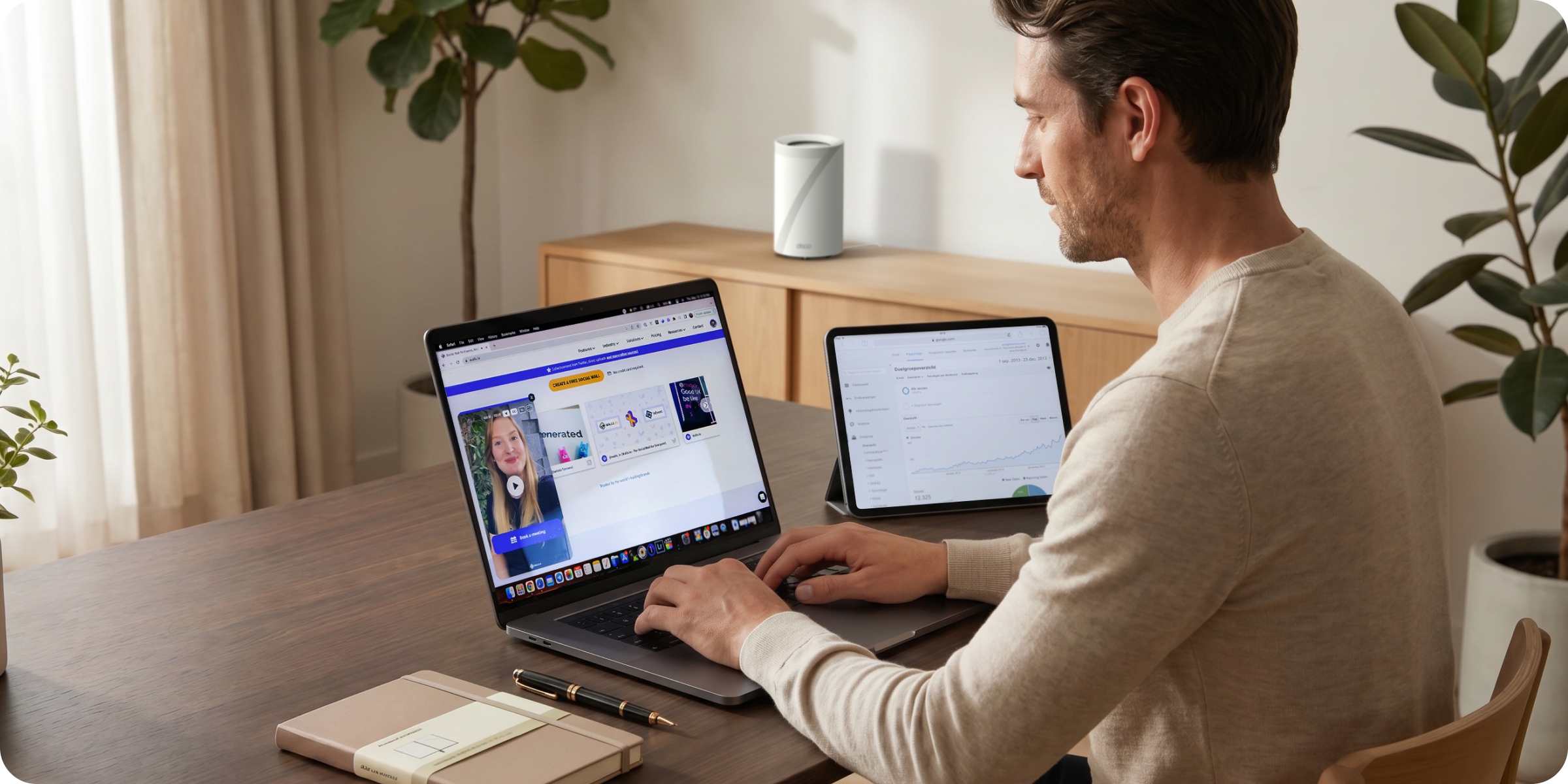

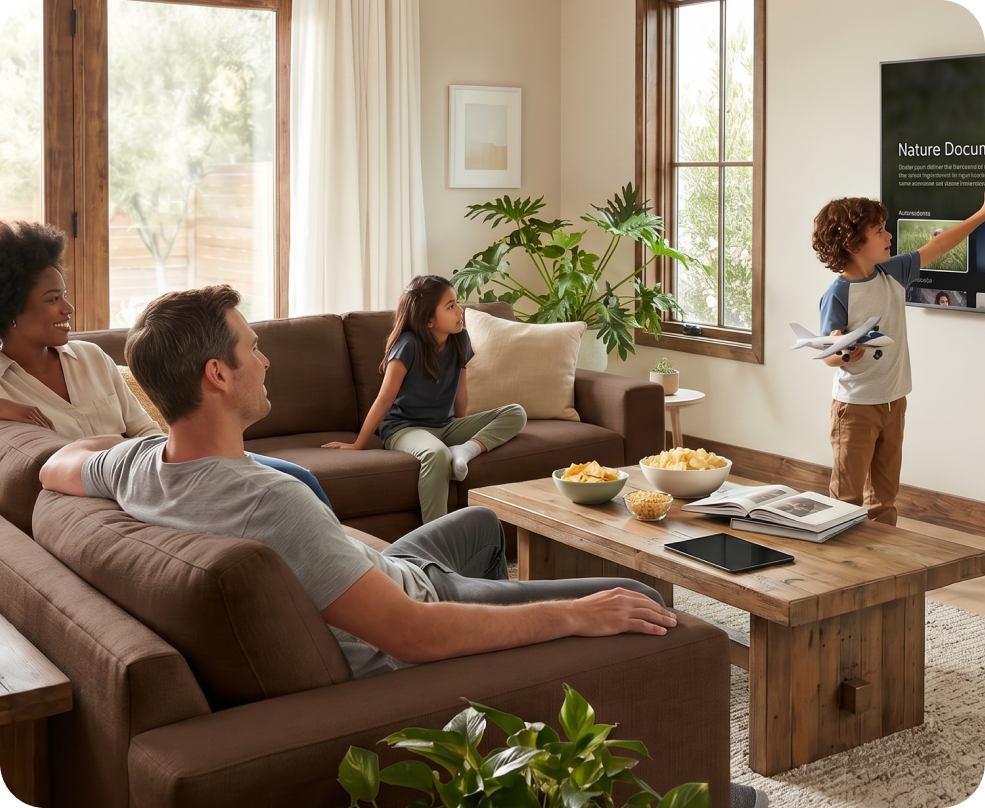
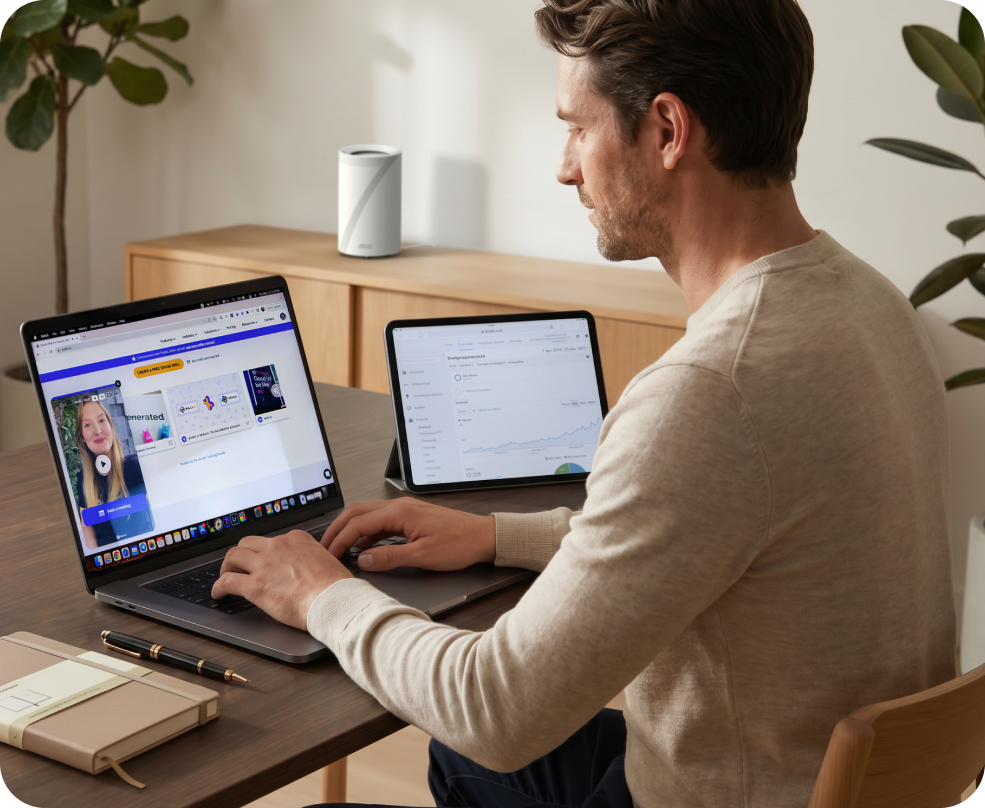
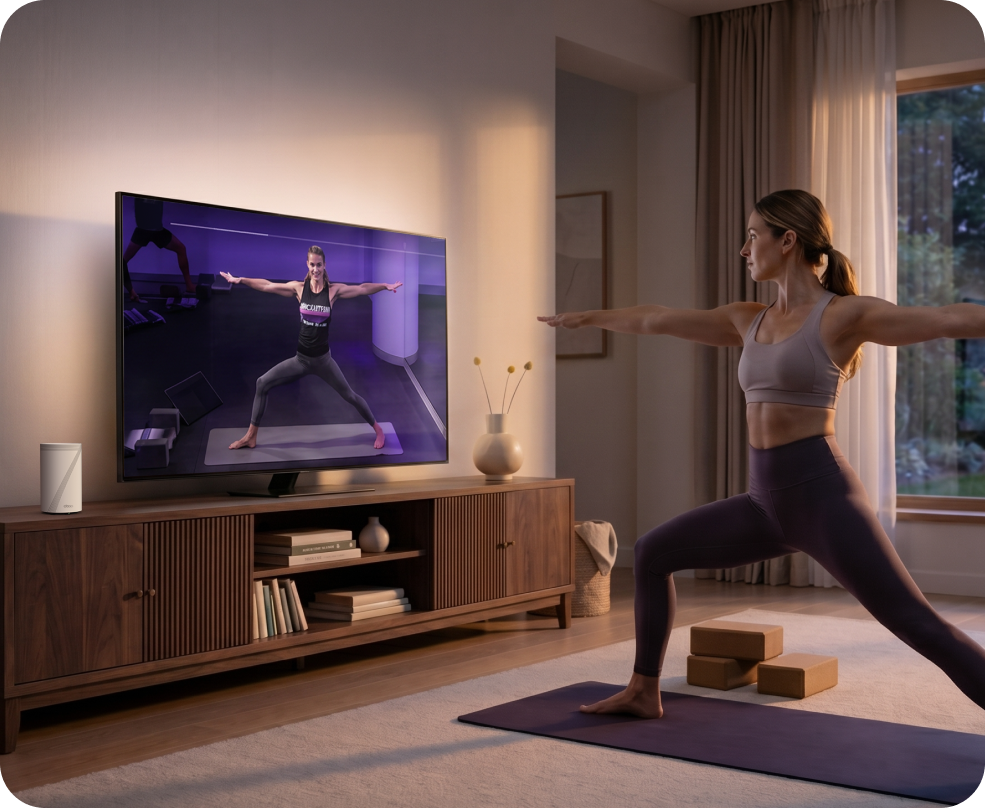
Ready for multi-gig and beyond
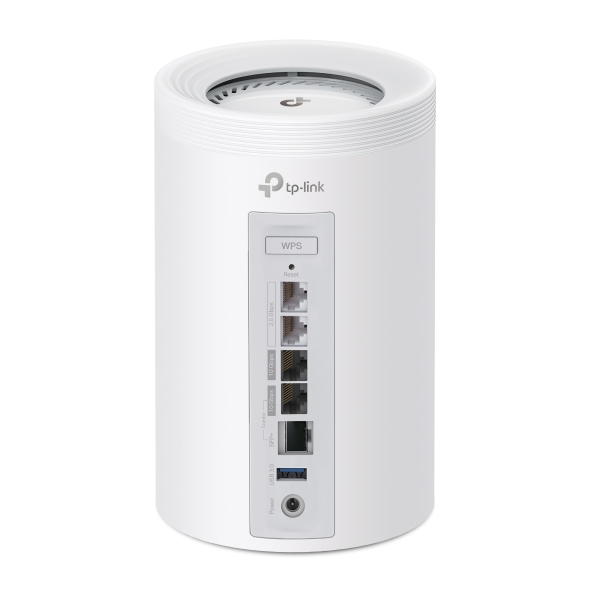
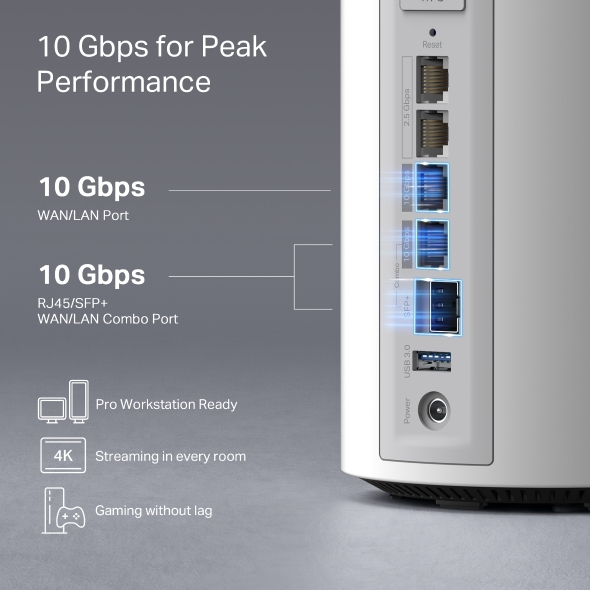
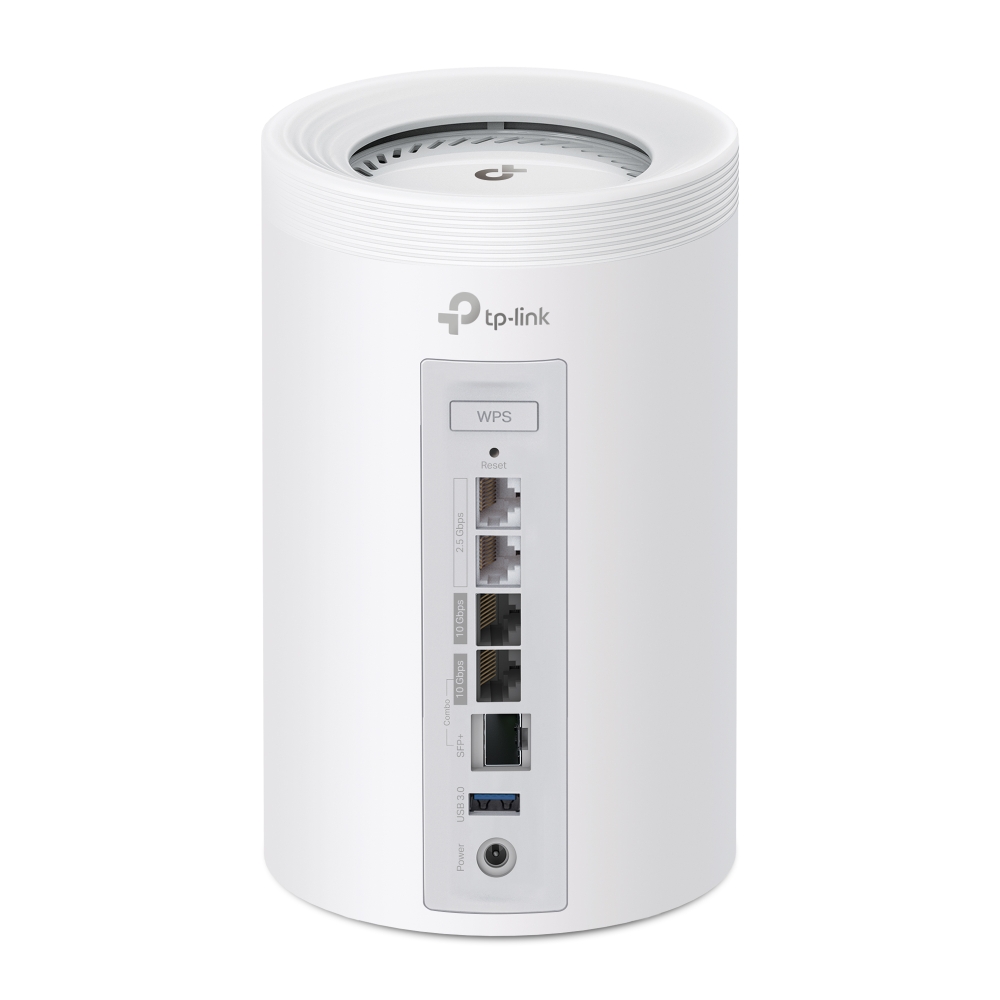
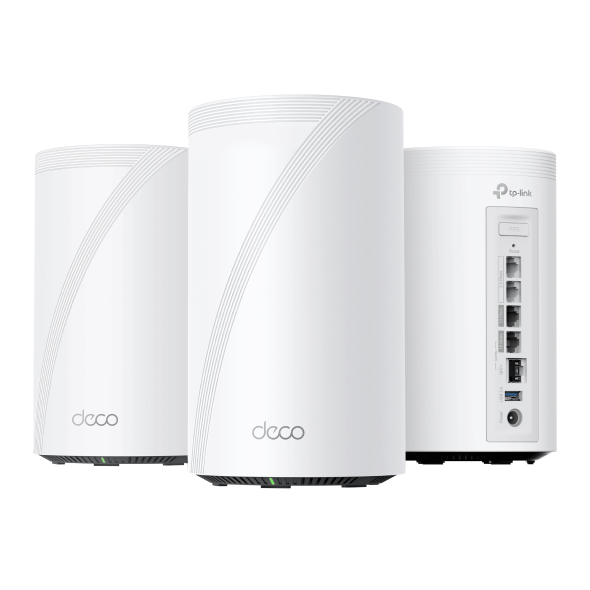
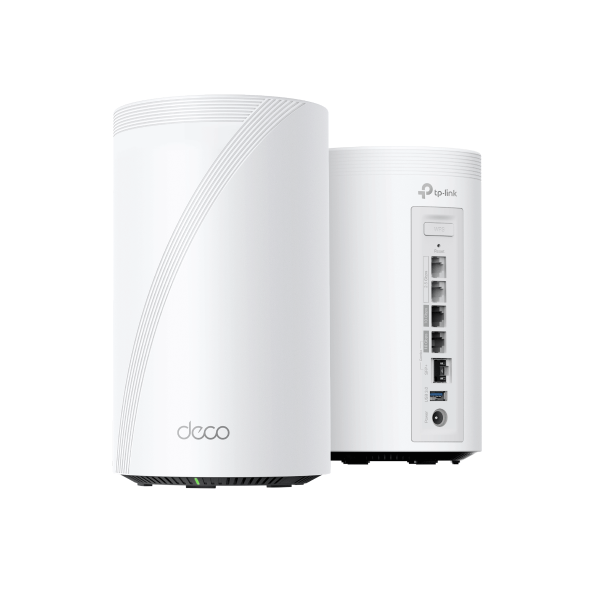
The 10G RJ45/SFP+ combo port unlocks flexible connections across fiber and high-performance devices, built for more advanced setups.
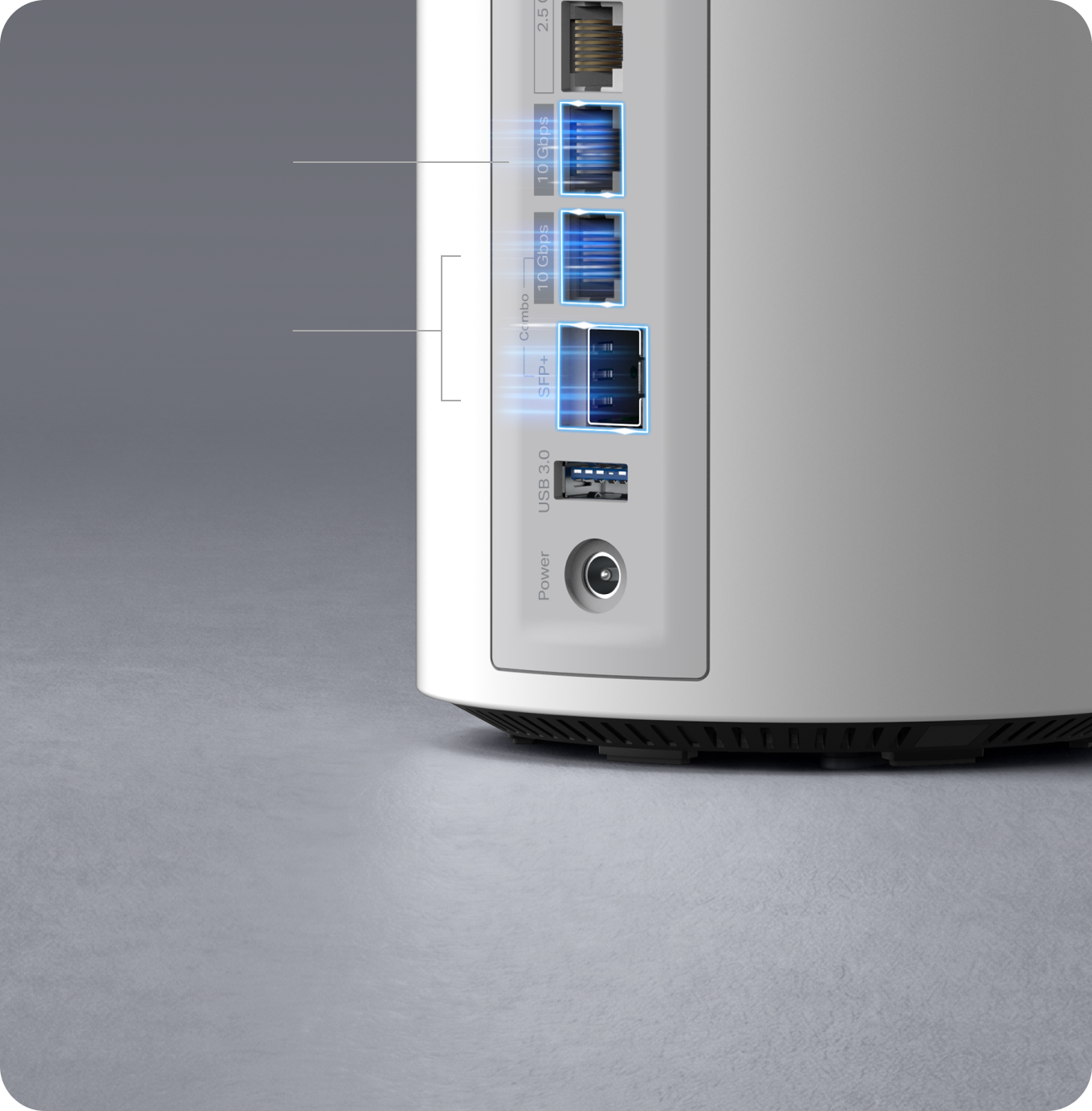
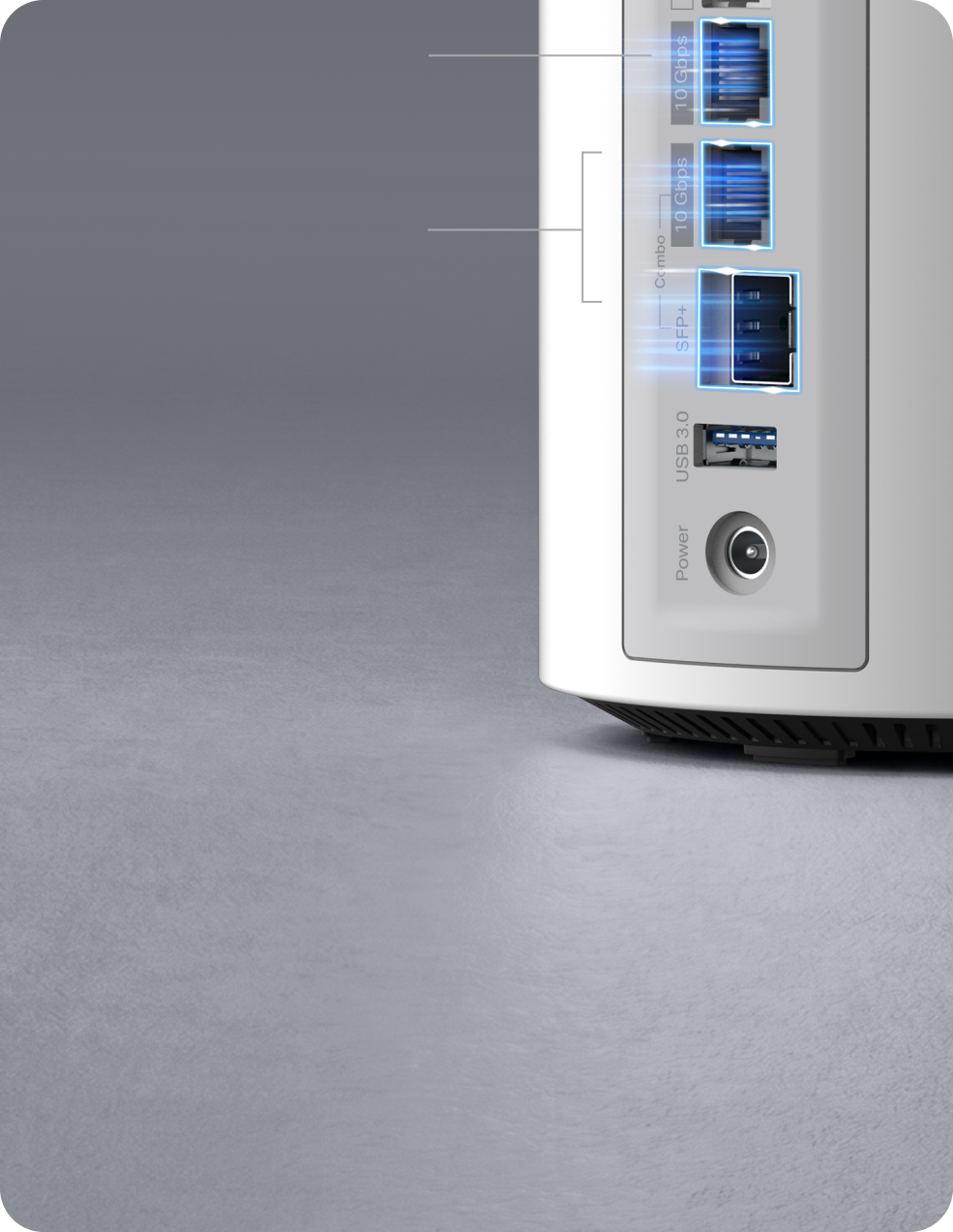
10 Gbps
WAN/LAN port
10 Gbps
RJ45/SFP+
WAN/LAN Combo Port

Pro Workstation Ready

Streaming in every room

Gaming
without lag
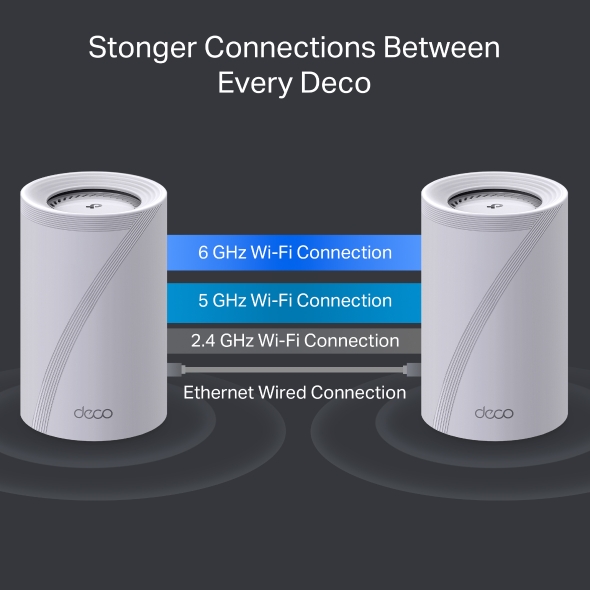
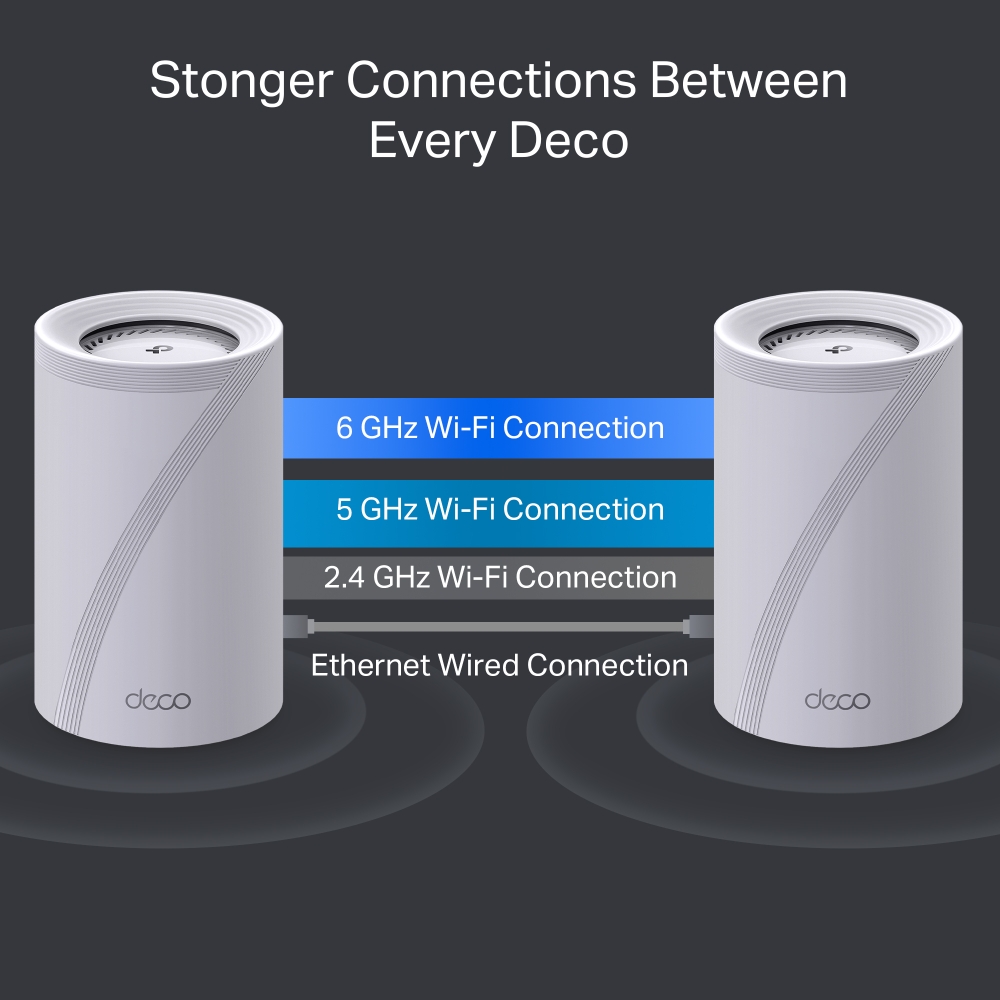
Stronger Connections Between Every Deco
Deco combines wired and tri-band Wi-Fi 7 connections with Multi-Link Operation (MLO) for a faster, more resilient link between units. Enjoy smoother streaming and lower latency, even as more devices connect.
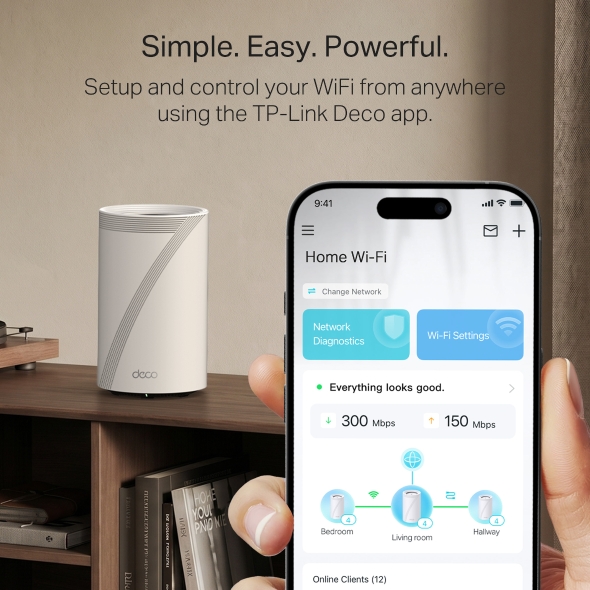
Simple. Easy. Powerful.
Deco 7 Elite is designed to be effortless from the start. Set up in minutes with the Deco app, then enjoy strong, reliable Wi-Fi throughout your home.
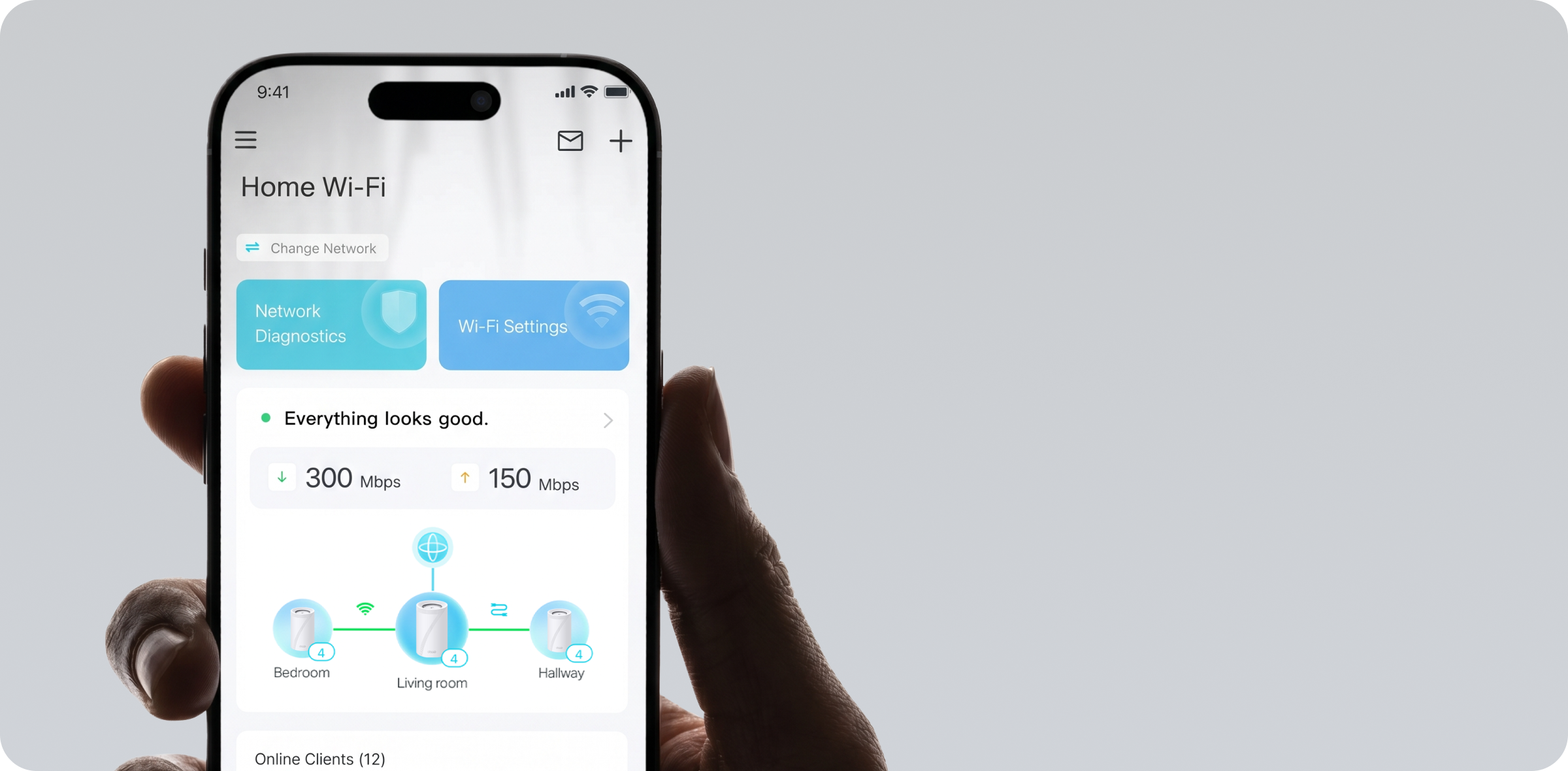
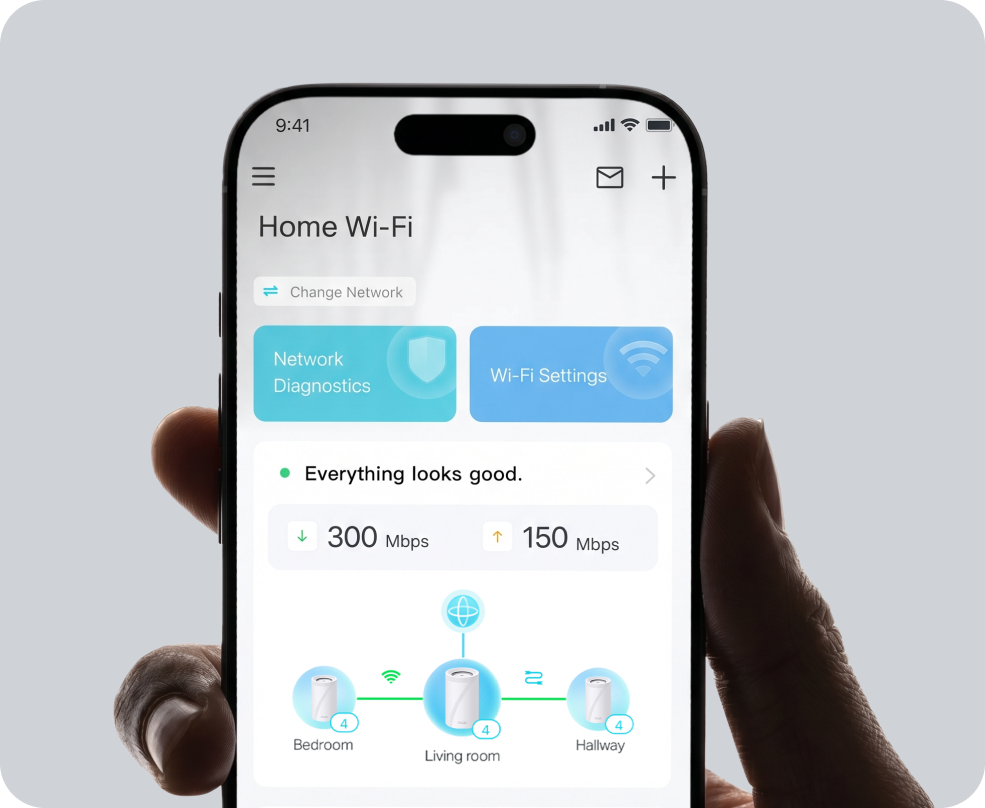
Simple. Easy. Powerful.
Deco 7 Elite is designed to be effortless from the start. Set up in minutes with the Deco app, then enjoy strong, reliable Wi-Fi throughout your home.
① Connect
to a modem and power on both.
② Download
and launch the Deco app.
③ Configure
by following the in-app instructions.

Built-In Security for Everyday Life
HomeShield helps protect every device on your network — automatically — so your family can connect with confidence at home and beyond.
Learn more about HomeShield >
Advanced Network Protection
Get automatic protection for your entire home network, designed to help block online threats so you can browse, stream, and connect with confidence.

Parental Controls
Use simple tools to manage screen time and filter content, designed to support healthier online habits for kids while giving parents more control.

Protection that goes with you
Keep your devices protected at home and on the go, with security that stays with you wherever life happens.

Advanced Network Protection
Get automatic protection for your entire home network, designed to help block online threats so you can browse, stream, and connect with confidence.

Parental Controls
Use simple tools to manage screen time and filter content, designed to support healthier online habits for kids while giving parents more control.

Protection that goes with you
Keep your devices protected at home and on the go, with security that stays with you wherever life happens.
Private IoT Network for More Security
Set up a separate Wi-Fi network for IoT devices, with built-in HomeShield protection and advanced WPA3 encryption to help better protect your home network and connected devices.
Smart Features Included with Every Deco 7 Elite System

"Alexa, pause Wi-Fi for Juliet's tablet"
Hands-Free Voice Control
Use Amazon Alexa or Google Assistant-enabled devices to control your Deco system with simple voice commands, making it easy to manage your Wi-Fi hands-free.

All Decos Work Together
All Deco devices work together to form one seamless mesh network. Expand your Wi-Fi coverage anytime by adding more Decos to keep every corner of your home connected.
-
ชั้นใต้ดิน

-
สวนหลังบ้าน

-
โรงจอดรถ

ระบบโรมมิ่งสัญญาณแบบไร้รอยต่อ
อุปกรณ์ Deco จะทำงานร่วมกันเพื่อสร้างเครือข่าย Wi-Fi ในชื่อเดียว โทรศัพท์หรือแท็บเล็ตของคุณจะเชื่อมต่อกับอุปกรณ์ Deco ที่สัญญาณดีที่สุดโดยอัตโนมัติไม่ว่าคุณจะย้ายไปอยู่ในจุดใดของบ้านก็ตาม การสลับการเชื่อมต่อจะใช้เวลาน้อยกว่า 0.3 วินาที ให้คุณใช้งานได้ได้อย่างลื่นไหลไม่มีสะดุด
-
เปลี่ยนเส้นทางอัตโนมัติ
เทคโนโลยี TP-Link Mesh จะเลือกเส้นทางคลื่นสัญญาณที่ดีที่สุดเพื่อการเชื่อมต่อที่มีประสิทธิภาพ ให้คุณได้รับ Wi-Fi ที่รวดเร็วไม่ว่าคุณจะอยู่จุดใดของบ้าน
-
ระบบบำรุงรักษาตัวเอง
หาก Deco เครื่องหนึ่งมีปัญหา ระบบจะเปลี่ยนเส้นทางข้อมูลไปยัง Deco เครื่องอื่นโดยอัตโนมัติเพื่อให้แน่ใจว่าคุณออนไลน์อยู่เสมอ
Wi-Fi + Powerline
การเชื่อมต่อ Powerline ใช้วงจรไฟฟ้าในบ้านของคุณในการเชื่อมต่ออุปกรณ์ Deco เข้าด้วยกัน เพื่อกระจายสัญญาณให้ทั่วถึงแม้จะมีผนังหรือเพดานที่หนา
สัญญาณ Wi-Fi Dual-band และ Powerline จะทำงานร่วมกันเพื่อรับส่งข้อมูลระหว่างอุปกรณ์ Deco ความเร็วในการรับส่งข้อมูลจะมีประสิทธิภาพมากขั้นเมื่อเปรียบเทียบกับการใช้ Wi-Fi เพียงอย่างเดียว
- Wi-Fi + Powerline :
- ระบบ Wi-Fi แบบไฮบริต เพิ่มความเร็ว
- Mesh Wi-Fi ทั่วไป :
- ระบบ Wi-Fi แบบมาตรฐาน
- Powerline
- หมายเหตุ:Wi-Fi + Powerline มีเฉพาะใน Deco P9
IoT Mesh
แตกต่างจากสมาร์ทฮับทั่วไป เทคโนโลยี TP-Link Mesh ครอบคลุมอุปกรณ์ IoT ทั่วทั้งบ้านด้วย Wi-Fi, Bluetooth และ Zigbee ที่รวมอยู่ในระบบเดียว ให้คุณเพลิดเพลินกับความมหัศจรรย์ของบ้านอัจฉริยะของคุณในทุกห้องด้วยเทคโนโลยี TP-Link Mesh พร้อมบอกลาการใช้ฮับจำนวนมาก
- - - - Wi-Fi
- - - - Zigbee
- - - - Bluetooth
Wi-Fi 6 Mesh
ติดอาวุธด้วยเทคโนโลยี Wi-Fi 6
เครือข่าย Mesh Wi-Fi ครอบคลุมทั้งบ้านของ Deco ได้รับการออกแบบมาเพื่อเพิ่มความครอบคลุม ความเร็ว และรองรับปริมาณการใช้งานที่มากขึ้น ใช้ Mesh Wi-Fi เพื่อเพลิดเพลินกับเครือข่ายแห่งอนาคตที่รวดเร็วและเชื่อมต่อได้มากขึ้น
-
ครอบคลุมมากขึ้น
-
เชื่อมต่อได้มากขึ้น
-
Wi-Fi 6 เร็วมากขึ้น
AI-Driven Mesh
ด้วยเทคโนโลยี AI Mesh ทำให้ Deco สามารถเรียนรู้และพัฒนาตัวเองได้จากการใช้งาน
เพื่อสร้างเครือข่าย mesh Wi-Fi ที่เหมาะสมกับบ้านของคุณและสภาพของเครือข่ายของบ้านคุณ
ให้คุณเพลิดเพลินกับการใช้งานอินเทอร์เน็ตความเร็วสูงที่ครอบคลุมบ้านของคุณ
ทำไม TP-Link จึงขึ้นมาเป็นผู้นำใน
เทคโนโลยี Mesh WiFi?
| ข้อมูลเปรียบเทียบ | |||
| Model Number | TP-Link Deco | Netgear Orbi | Google WiFi |
| Wireless Backhaul | Tri-Band(2.4G+5G_1+5G_2)¹ | Single-Band(5G_1 Only) | Dual-Band(2.4G+5G) |
| Mesh Protocol Supported | IEEE 802.11k/v/r | IEEE 802.11k/v | IEEE 802.11s |
| True Seamless Roaming | ✔ | × | × |
| APS(Adaptive Path Selection) | ✔ | × | ✔ |
| IoT Mesh | ✔² | × | × |
| Wi-Fi 6 Mesh | ✔5 | ✔ | × |
| AI-Driven Mesh | ✔6 | × | × |
| Powerline Backhaul | ✔³ | × | × |
| Wireless + Powerline Bandwidth | ✔⁴ | × | × |
| Band Steering | ✔ | ✔ | ✔ |
| AP Steering | ✔ | ✔ | ✔ |
| Self-Healing | ✔ | ✔ | ✔ |
| หมายเหตุ: 1&2 มีเฉพาะใน Deco M9 Plus เท่านั้น; 5 มีใน Deco X20;Deco X90;6 มีเฉพาะใน Deco X90 เท่านั้น ข้อมูลอัพเดท ธันวาคม 2019 |
|||
ผลิตภัณฑ์ตระกูล Deco
Deco
-
 ผลิตภัณฑ์ใหม่
Deco BE85
BE22000 Whole Home Mesh Wi-Fi 7 System
-

Deco BE65
BE11000 Whole Home Mesh WiFi 7 System
-
 ผลิตภัณฑ์ใหม่
Deco X50-5G
5G AX3000 Whole Home Mesh WiFi 6 Gateway (Availability based on regions)
-

Deco S7
AC1900 Whole Home Mesh Wi-Fi System
-

Deco X60
AX5400 Whole Home Mesh Wi-Fi 6 System
-
Deco X20
AX1800 Whole Home Mesh Wi-Fi 6 System
-
_Overview_normal_20211225093625r.png)
Deco X50
AX3000 Whole Home Mesh WiFi 6 System
Deco Network Management at Your Fingertips!
The Deco app provides the easiest way to set up, manage and monitor your Deco Whole Home Mesh Wi-Fi System through your iOS or Android devices.
Setup Just Got a Lot Easier
Unbox Deco, install the app and then simply follow the on-screen directions. Deco app will take care of the rest and get your network up and running in minutes.
-
Connect Deco to your cable modem and turn on both devices
-
Download and launch the Deco app
-
Follow the in-app instructions to configure your Deco system.
Simple Management
Deco makes it easy to manage your Wi-Fi from anywhere, whether you’re on the couch, at work, or anywhere in between.
-
Simple Management Dashboard
View the working status of your network, check the connected devices and get all the features your router offers.
-
Multiple Decos, One App
The Deco app manages all your Deco networks and devices connected to your Deco Wi-Fi.
-
Check the Connected Devices
View a list of your connected devices with the ability to pause and resume internet access, test the internet speed and prioritize or block the devices.
-
Remote Management
Remotely take control of the network with a tap of your phone—no matter where you find yourself.
Powerful Parental Controls
Simple, intuitive parental controls make it easy to keep your children safe while they’re online.
-
Easily create a profile for each family member and set custom time limits and online time allowances. Assign devices to profiles so rules extend to individual devices as well as family members.
-
Keep your family safe online with one-touch security settings that block content based on age-appropriateness.
-
Set limits on how much time each person in your family can spend online.
-
With Insights, you can check out which sites your children visit and how much time they spend on each. It’s a great way to know your children are safe while they’re having fun online.
-
Take a break from Wi-Fi for dinner and family game nights. Just tap a button to suspend internet access for everyone in your home.
An Intuitive App Full of Features
Monthly Usage Summary
See a comprehensive list of your network details every month, including usage,
blocked content, security threats and more.
Home Automation
Make your life easy with powerful automation and voice control tools.
*Currently only for Deco M9 Plus
Flexible Shortcut
Flexibly control all devices from your phone or tablet with just one click.
*Currently only for Deco M9 Plus
Protect Your Network
Built-in Antivirus helps you defend against malicious website and guard your online payment.
*Currently only for Deco M9 Plus, Deco P7 and Deco M5
Prioritize Your Devices
Choose which devices always have the fastest connections
or set priority for a specific time duration.
Set Application Priorities
Allocate more bandwidth for the activities most important to you with simple controls.
*Currently only for Deco M9 Plus, Deco P7 and Deco M5
Share Wi-Fi with Friends
Set up separate Wi-Fi profiles for guests and share the password to
make it easier for them to hop online.
Check Your Speed
Run a speed test to ensure you’re getting the internet speeds you’re paying for.
View every device on your network and see how much bandwidth they’re using.
Our Support Always Has Your Back
Have questions about Deco? Help is always just a click away. Find the answers in Deco app and don’t hesitate to contact us with just a simple click.
Support| Standards and Protocols | Wi-Fi 7IEEE 802.11be/ax 6 GHzIEEE 802.11be/ax/ac/n/a 5 GHzIEEE 802.11be/ax/n/b/g 2.4 GHz |
|---|---|
| WiFi Speeds | BE220006 GHz: 11530 Mbps (802.11be)5 GHz: 8647 Mbps (802.11be)2.4 GHz: 1376 Mbps (802.11be) |
| WiFi Range | Broader Whole Home Coverage TP-Link Mesh TechnologyOptional Ethernet backhaul work together to link Deco units to provide seamless coverageAI-Driven MeshIntelligently learns the network environment to provide ideal Wi-Fi unique to your home8× High-Gain Antennas (Internal)Multiple antennas form a signal-boosting array to cover more directions and large areasTri-BandThe greenfield 6 GHz band brings more bandwidth and faster speeds |
| WiFi Capacity | Very High Tri-BandDistribute devices to different bands for optimal performance4×4 MU-MIMOSimultaneously communicates with multiple MU-MIMO clientsOFDMASimultaneously communicates with multiple WiFi 7 clients12 StreamsMore than enough bandwidth for connected devices |
| Working Modes | Router ModeAccess Point Mode |
| Advanced Features | • Multi-Link Operation (MLO)• 320 MHz Channel• 4K-QAM• Multi-RUs• Works with Alexa and Google Assistant |
| Network Security | SPI FirewallAccess ControlHomeShield Security Real-Time IoT ProtectionMalicious Site BlockerIntrusion Prevention SystemDDoS Attack PreventionHome Network Scanner |
|---|---|
| Guest Network | 1× 6 GHz Guest Network1× 5 GHz Guest Network1× 2.4 GHz Guest Network Effective TimeBandwidth Control |
| VPN Server | • OpenVPN Server• PPTP VPN Server• L2TP/IPSec VPN Server |
| VPN Client | • OpenVPN Client• PPTP VPN Client• L2TP/IPSec VPN Client |
| WiFi Encryption | WPA-Personal WPA2-Personal WPA3-Personal |
| Ethernet Ports | • 1× 10 Gbps• 1× 10 Gbps SFP+/RJ45 Combo• 2× 2.5 Gbps*Per Deco UnitSupports WAN/LAN auto-sensing |
|---|---|
| USB Support | 1× USB 3.0 Port FTP ServerMedia ServerSamba Server |
| Power | · Power Consumption (without power adapter): 51 W max· Power Adapter Input: 100-240V~50/60Hz 2A · Power Adapter Output: 12V 4.5A |
| Buttons | 1× Reset Button1× WPS |
| Advanced Features | • Reboot Schedule• Tapo/Kasa Onboarding• IoT network & Device Isolation• Static Route Function• Node/Band Connection Preference |
|---|---|
| Protocols | IPv4 IPv6 |
| Service Kits | HomeShieldLearn More> |
| Parental Controls | HomeShield Parental Controls Youtube RestrictionSafeSearchCustom ProfilesProfessional Content Filter LibraryFamily TimeBedtimeOff TimeTime RewardsFamily Online Time RankingPause the InternetWeekly and Monthly Reports |
| WAN Types | Dynamic IPStatic IPPPPoEPPTPL2TP |
| Quality of Service | HomeShield QoS QoS by Device |
| Cloud Service | OTA Firmware UpgradeTP-Link ID DDNS |
| NAT Forwarding | Port Forwarding UPnP |
| IPTV | IGMP ProxyIGMP SnoopingBridge Tag VLAN |
| DHCP | Address ReservationDHCP Client ListServer |
| DDNS | TP-Link |
| Management Features | Deco App |
| Network Services Enabled by Default | Web Server Manage and configure device through web (HTTP/HTTPS)• Port: 80/443 Protocol: TCP DNS DNS• Port: 53 Protocol: TCP & UDP DHCP Server IP address assignment (DHCP)• Port: 67 Protocol: UDP App management Manage and configure device through app• Port: 22 Protocol: TCP• Port: 20001 Protocol: TCP• Port: 30001 Protocol: TCP• Port: 20002 Protocol: UDP |
|---|---|
| Dimensions (W×D×H) | 5.04 × 5.04 × 9.29 in (128 × 128 × 236 mm) |
|---|---|
| Package Content | Deco BE85 (3-pack)3 Deco BE85 units1 RJ45 Ethernet cable3 Power adaptersQuick Installation GuideDeco BE85 (2-pack)2 Deco BE85 units1 RJ45 Ethernet cable2 Power adaptersQuick Installation GuideDeco BE85 (1-pack)1 Deco BE85 unit1 RJ45 Ethernet cable1 Power adapterQuick Installation Guide |
| Certifications | CE, FCC |
|---|---|
| Environment | Operating Temperature: 0°C~40°C (32 °F~104 °F)Storage Temperature: -40°C~60°C (-40 °F~140 °F)Operating Humidity: 10%~90% RHStorage Humidity: 5%~90% RH |
Wi-Fi CERTIFIED 7™ and the Wi-Fi CERTIFIED 7 Logo are trademarks of Wi-Fi Alliance®.
†Maximum wireless signal rates are the physical rates derived from IEEE Standard 802.11 specifications. Connection to over 200 devices is based on laboratory test data, which analyzed the connections of different devices on the 6 GHz, 5 GHz, and 2.4 GHz bands simultaneously. These devices simulated a typical home scenario by running simultaneous applications in the same room that included 4K video, 1080p video, 720p video, file downloading, web browsing, IP cameras, and other IoT devices. Actual wireless data throughput, wireless coverage, and connected devices are not guaranteed and will vary as a result of internet service provider factors, network conditions, client limitations, and environmental factors, including building materials, obstacles, volume and density of traffic, and client location.
‡Clients need to support 802.11k/v/r and may require additional setup. Performance may vary depending on the client device.
△Use of Wi-Fi 7 (802.11be), Wi-Fi 6 (802.11ax), and features including Multi-Link Operation (MLO), 320 MHz Bandwidth, 4K-QAM, Multi-RUs, OFDMA, MU-MIMO and BSS Color requires clients to also support the corresponding features. The 320 MHz bandwidth is only available on the 6 GHz band. Simultaneously, the 160 MHz and 240 MHz bandwidths or the 320 MHz bandwidth might not be available on the 5 GHz band or the 6 GHz band, respectively, in some regions/countries due to regulatory restrictions. Double channel width and speed refer to 320 MHz compared to 160 MHz for Wi-Fi 6 mesh.
§10 Gbps and 2.5 Gbps internet speeds require compatible service plans and equipment. All WAN/LAN ports will operate as either WAN or LAN ports. Only one port can serve as a WAN port at a time.
*HomeShield includes the Free Basic Plan. Fees apply for the Pro Plan. Visit tp-link.com/homeshield for more information. Some features are under development and will be supported with subsequent software updates.
☆WiFi generations represent the wireless standard IEEE 802.11 a/b/g/n/ac/ax/be. Users may require an extra modem device that is compatible with their internet service provider to gain internet access.
※4.2× faster Wi-Fi speed refers to the theoretical speeds of Wi-Fi 7 clients when connected to Deco BE85 compared with a Wi-Fi 6 or Wi-Fi 6E mesh. Wi-Fi 7 clients need to support Multi-Link Operation (MLO) and the 6 GHz band to reach up to 20 Gbps when connected to the 5 GHz and 6 GHz bands of Deco BE85 simultaneously. Wi-Fi 6 and Wi-Fi 6E mesh may only provide 4804 Mbps on the 5 GHz or 6 GHz bands separately.
※※4× Lower Latency refers to the latency improvement of Wi-Fi 7 mesh compared to Wi-Fi 6/6E mesh, based on laboratory test data. The test conditions had the same 5 GHz or 6 GHz single-frequency wireless interference and tested the maximum latencies of Wi-Fi 7 clients (with MLO turned on) connecting to the 5 GHz and 6 GHz bands of Deco BE85 (with MLO turned on) simultaneously and to the 5 GHz or 6 GHz bands of a Wi-Fi 6/6E mesh (without the MLO function).
Actual network speed may be limited by the rate of the product's Ethernet WAN or LAN port, the rate supported by the network cable, internet service provider factors, and other environmental conditions.
This Deco may not support all the mandatory features as ratified in IEEE 802.11be specification.
Further software upgrades for feature availability may be required.
Google and Google Home are trademarks of Google LLC.